Agents
An agent is a named worker in one project. It is made of three things you choose: a runner (which CLI runs it, and with which model), an optional charter (what it answers for), and its settings (default permissions, timeouts, grants). The project's instructions apply to every agent.
Runners
A runner is how an agent is executed. AgentWeave supports three agent CLIs:
| CLI | Notes |
|---|---|
Claude Code (claude) |
Runs with a pinned, project-local configuration. Your user-level plugins, hooks and skills do not load into agent runs. |
Codex (codex) |
Runs over Codex's app-server protocol. |
GitHub Copilot CLI (copilot) |
Version 1.0.81 or later. It also offers Gemini, Grok and other models through Copilot. It can send runs to an Anthropic-compatible endpoint with your own key (below). |
Every new project gets one default runner per CLI. AgentWeave uses the sign-in each CLI already
has. It does not store provider keys for Claude Code or Codex, and it never reads them. Check which
CLIs are usable with agentweave doctor. A provider that cannot launch is also greyed out, with
the reason, when you create an agent.
Manage runners under Project settings → Runners. A runner has a name, a CLI (fixed once
created) and an optional model. Flags that would override the model or the permission posture,
such as --model, --permission-mode or --dangerously-skip-permissions, are refused. Those are
set per agent and per turn instead.
Bring your own key (Copilot)
A Copilot runner can send its runs to an Anthropic-compatible provider: a base URL plus the name of an environment variable in the Hub's environment that holds the key. The Hub stores only the variable's name, never the key, and scrubs the value from everything it records. The runner is launchable only while that variable is set.
Creating an agent
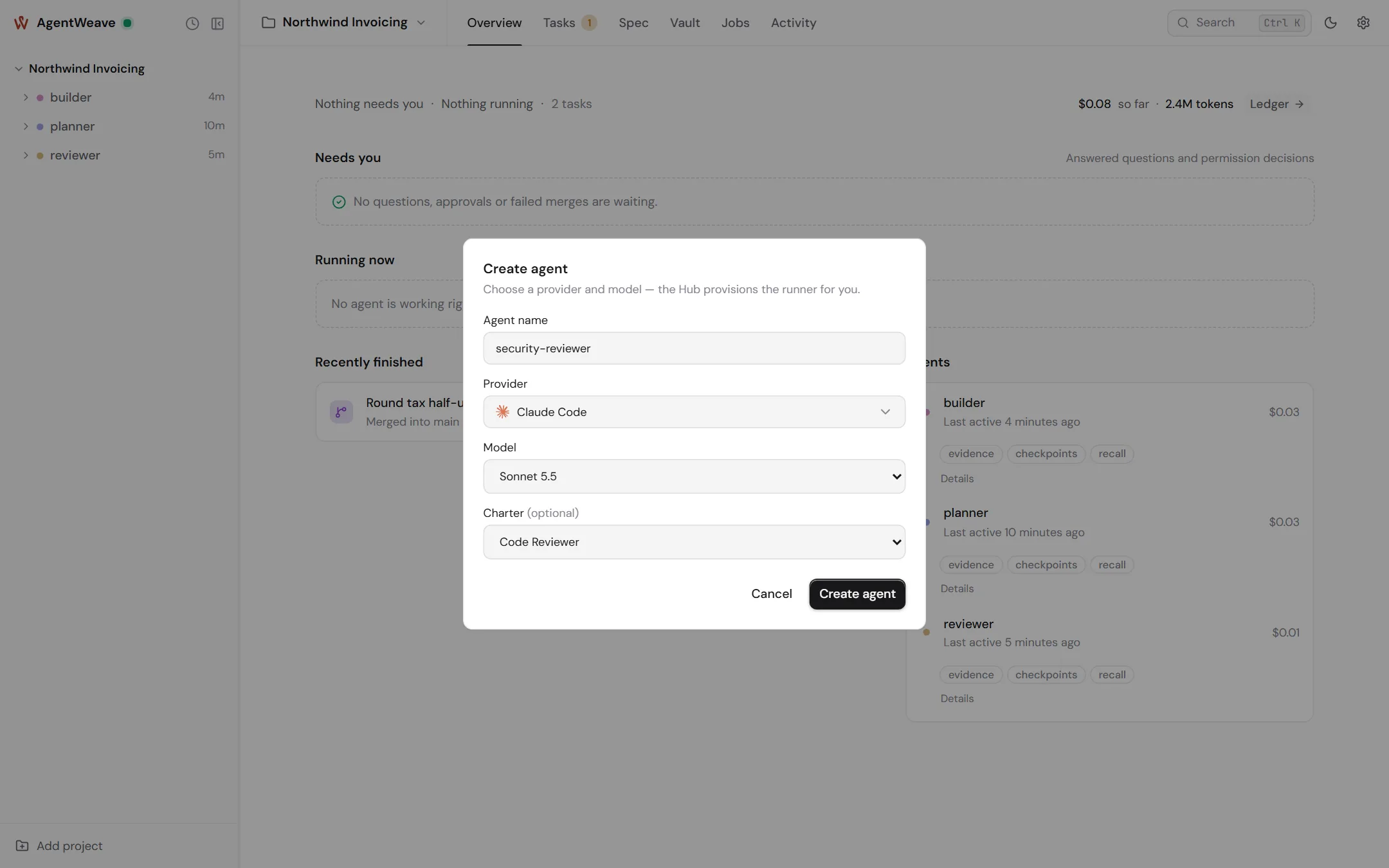
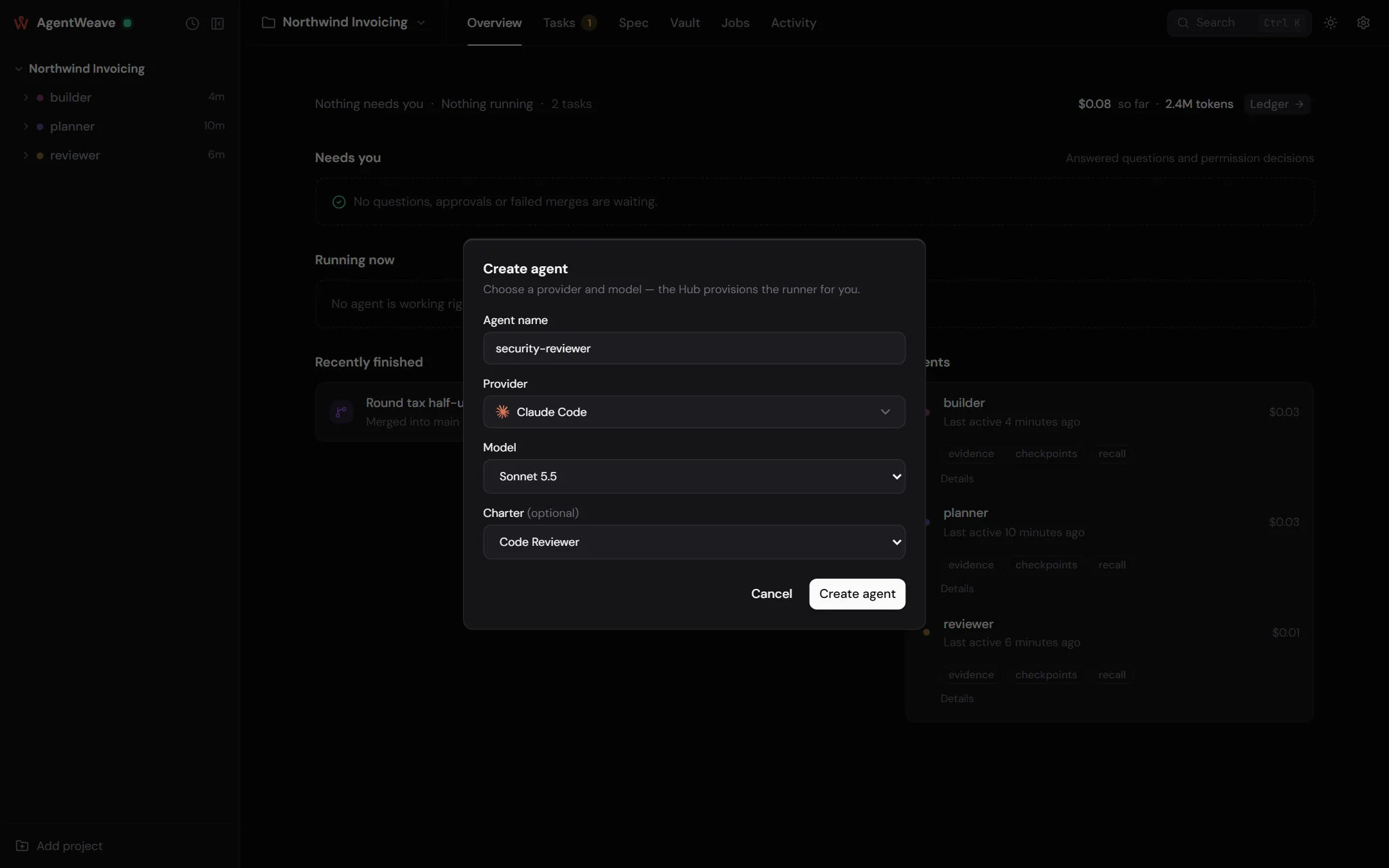
Click + beside the project in the rail. You choose:
- Name. 1–32 letters, numbers,
-or_.userandoperatorare reserved. - Provider and model. The Hub creates or reuses the matching runner.
- Charter, optionally.
Creating an agent starts nothing. Its first run happens when you send it a message, or when a job, loop, flow or another agent gives it work.
Agent settings
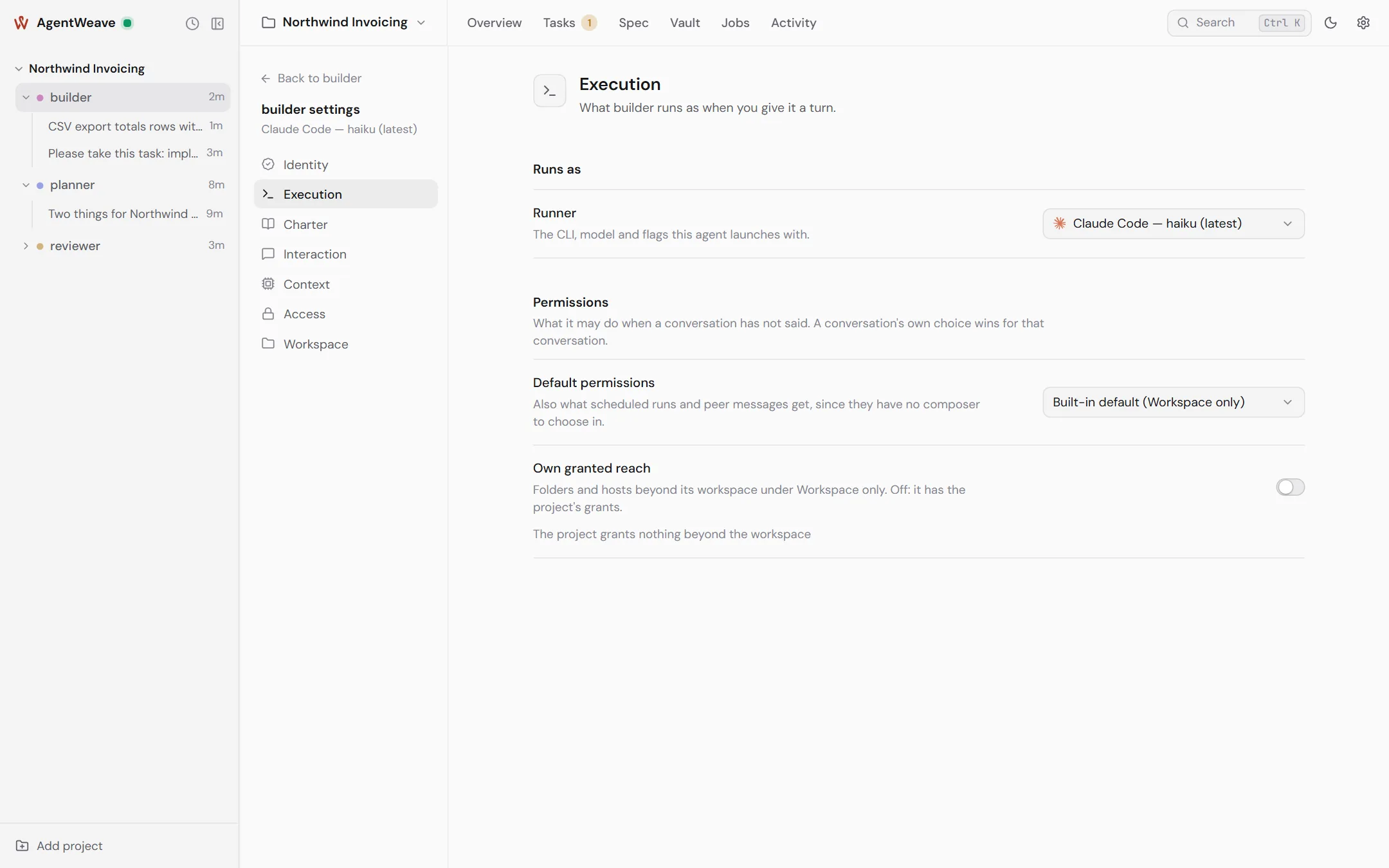
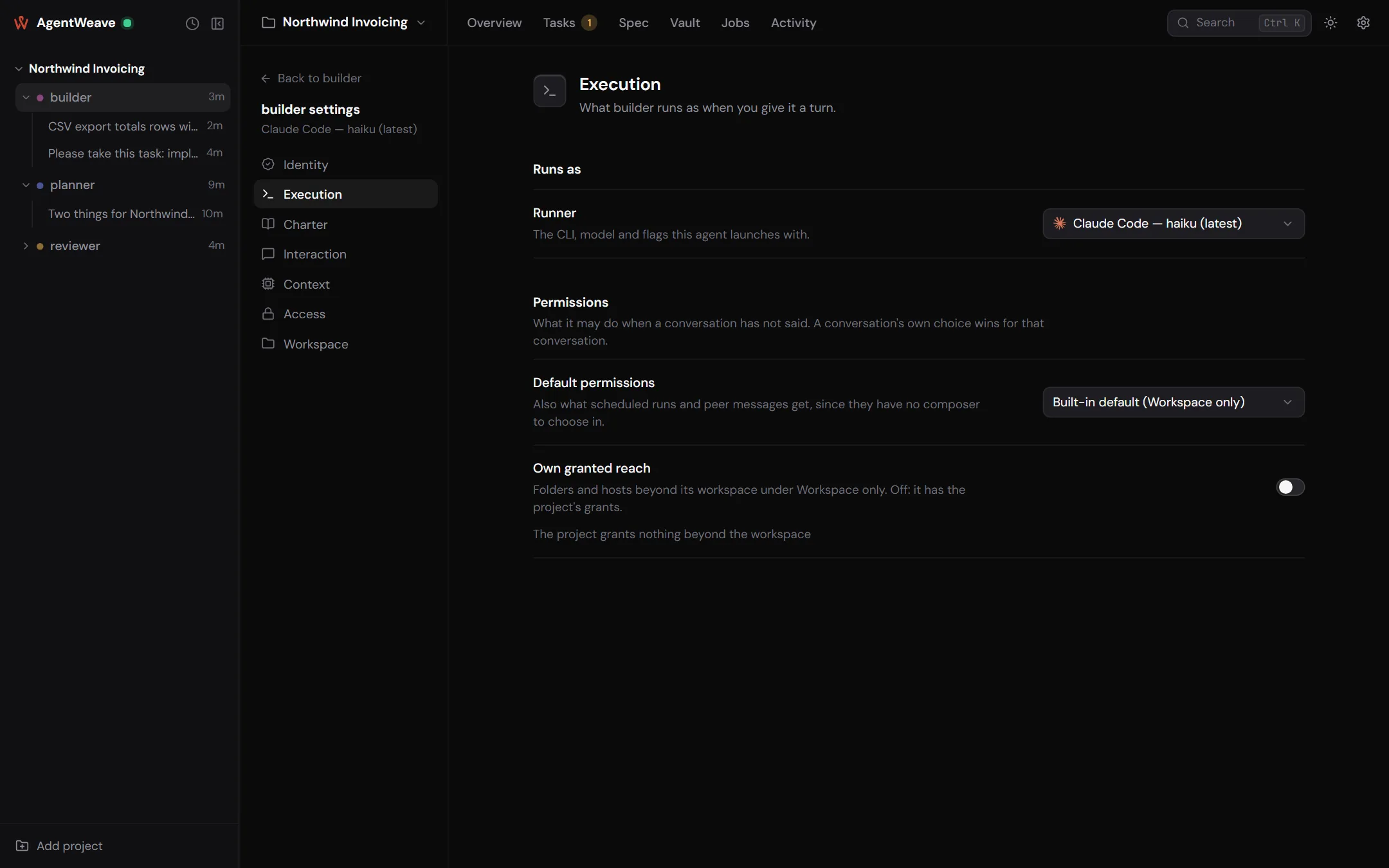
Open Agent settings from the agent's row menu. The sections are:
| Section | What it holds |
|---|---|
| Identity | Name (renaming keeps the history), a description for you (agents never read it), and Archive. |
| Execution | The runner. Default permissions, the posture used when nothing else chooses one, including scheduled runs and messages from other agents. Own granted reach. On Copilot: its review agents and GitHub server. |
| Charter | Which charter is injected into this agent's turns. |
| Interaction | How long a run waits for your permission decision (default 120 s) and for your answer to a question (default 240 s). When a wait runs out, the action is refused and the agent moves on. |
| Context | Checkpointing for this agent: inherit the project's setting, off, offer, or automatic, with its threshold. |
| Access | Grants, all off by default: read other agents' checkpoints, recall what a checkpoint cites, and accept or reject evidence (never its own). |
| Workspace | Its working directory and isolation (its own git worktree, or the shared checkout), its task checkouts, and its provider sessions. |
Agents are archived, never deleted. An agent's name is the attribution on every task, message, commit and piece of evidence it produced. Archiving takes the agent out of the rail, task assignment and messaging, and keeps all of that history readable. Archiving is refused while the agent has a run in progress or input still waiting.
Charters
A charter is a Markdown text that says what an agent is answerable for and where its authority ends: "You review a finished task against its requirement and its evidence. You approve only what you could verify by running it." It is injected verbatim into every turn. An agent without a charter still runs, and its context says it has none.
Each new project is seeded once with starter charters: Tech Lead, Developer, Code Reviewer, Verifier, Security Engineer, Guardian, Spec Author. Edit them, delete them, or write your own under Project settings → Charters. A charter an agent still holds cannot be deleted.
Project instructions
Project settings → Instructions holds one text that every agent in the project reads at the start of a session, before its charter. Use it for the rules of the house: how to run the tests, the branch conventions, what never to touch. A change applies when an agent starts its next session.
What an agent is told each turn
Before every run, the Hub assembles the agent's context from its own records, in this order:
- The project and the turn. The workspace and branch, the task and its specification (if the run is bound to one), the team (the other agents, their CLI and model), the quality checks, and which capabilities this agent holds or lacks.
- The project instructions.
- How to reach the Hub. The agent's tools, as MCP tools or
through the
aw-toolcommand. - Its charter.
When the project has a knowledge vault, every turn is also told how many entries it holds and how to read them.
Agents creating agents
An agent may ask for a new agent modelled on an existing one, with request_agent. The new agent
copies the template's runner, charter and configuration. It inherits no grants and no posture. The
project's agent budget (default 8) caps how many agents can exist. Raise it under Project
settings → General.