Knowledge vault
New
The vault is one of AgentWeave's newest areas. It works end to end, but expect it to grow.
Agents only know what you tell them and what is in the code. Much of what matters lives elsewhere: what was said in a meeting, the rules that always hold, decisions already made, a PDF from a customer. The vault is where that goes. Every agent turn is told the vault exists and how much it holds, and agents read what their work needs.
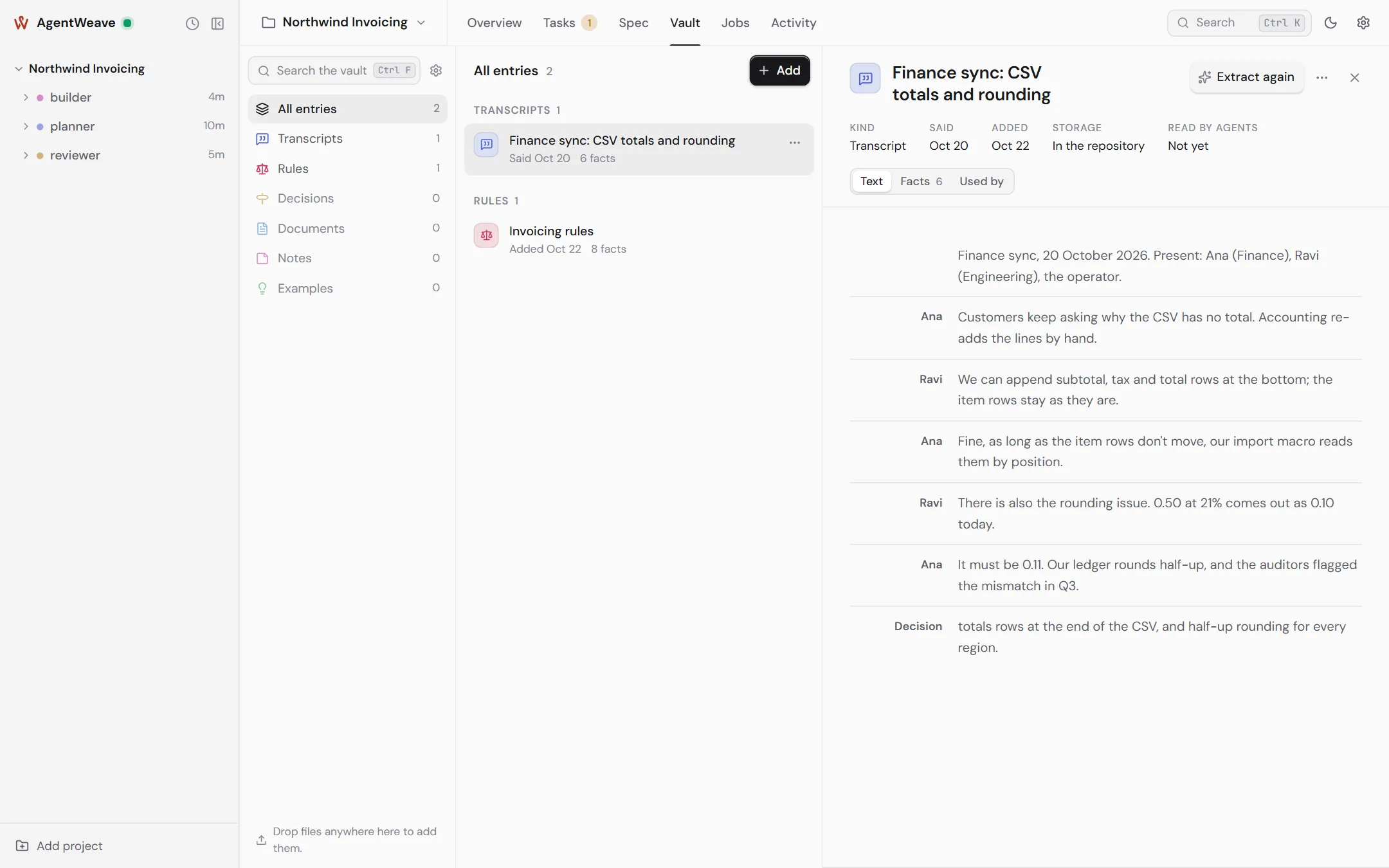
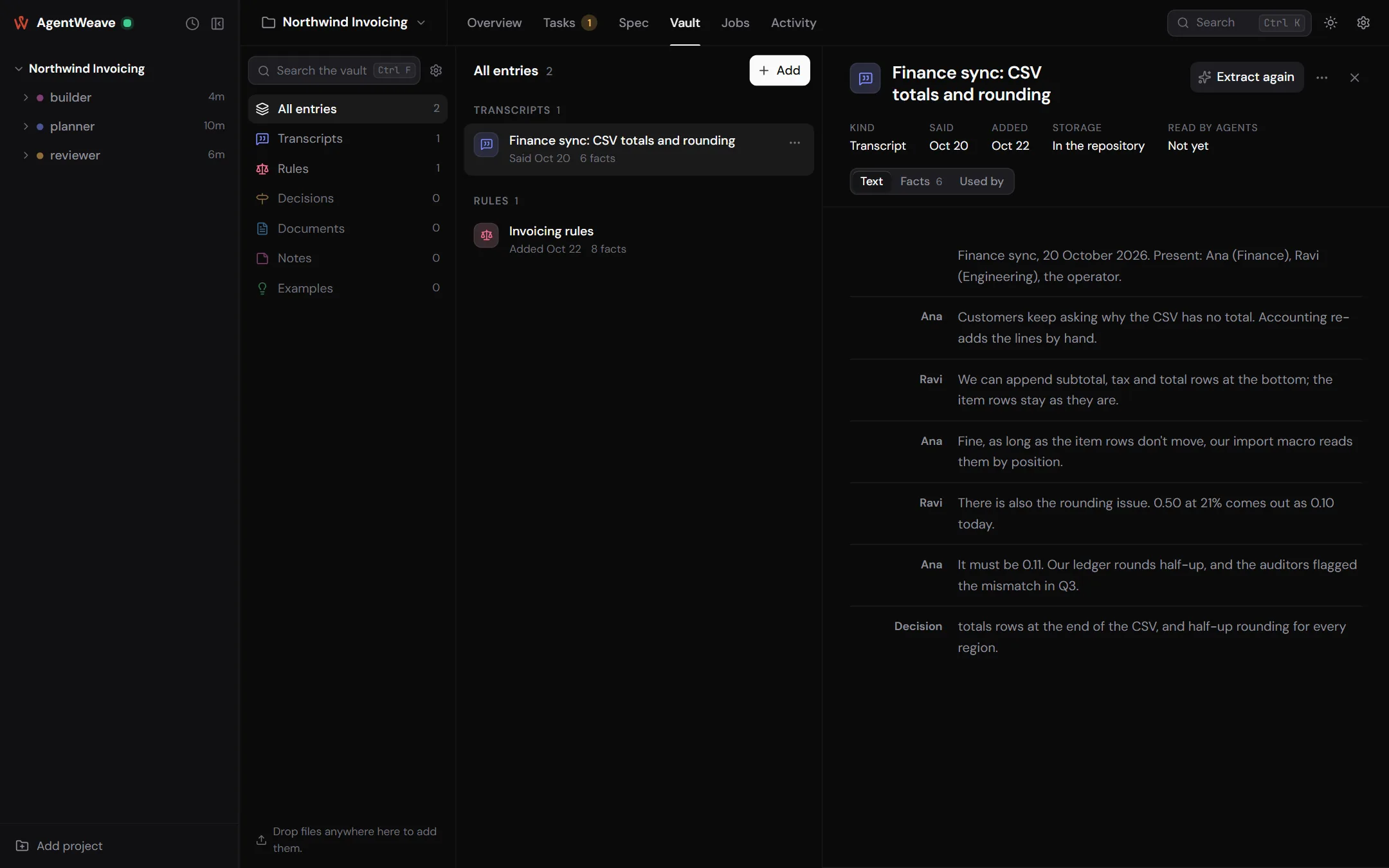
Adding sources
Drop files or folders anywhere on the Vault tab, use Add, or paste text. Text, Markdown, PDFs and images are accepted, up to 10 MiB each. For each source you choose:
- Kind: Transcript (a meeting or call, as it was said), Rule (something that must always hold), Decision (a choice made, and why), Document (reference material), Note or Example.
- Storage: In the repository (under
knowledge/sources/, tracked with your code), or Private, this machine (kept under~/.agentweave/hub/vaults/, with only a stub in the project). - When it was said: an optional date. When two sources disagree, the later one is presumed to hold.
From a terminal, agentweave vault add does the same. Agents can add files too, with vault_add.
Facts
With vault distillation turned on (Project settings → Manager), the Hub reads each new source and writes down the facts it states. Each fact cites the exact lines it rests on, and Show in the source highlights them. PDFs and images are transcribed first. Extract facts (or Extract again) runs it on demand.
The reader has three views: Text, Facts, and Used by, which shows which agents read the source and how often.
When sources disagree
Distillation also checks new facts against the ones already in the vault. A contradiction appears under Review → Disagreements. You decide This one holds or Neither holds, with a reason, and the decision is recorded.
An agent that finds a vault entry wrong reports it, with vault_report. With vault reports
turned on, the Hub looks into each report: it corrects the fact from its source, answers why the
fact stands, or refers it to you under Review → Reports.
Checking specifications against the vault
With the spec vault check turned on, each specification you check is read against the vault's facts, and a requirement that contradicts one gets a warning on the specification's health line. It is a warning, never a refusal. You decide.
Turning it on
Vault sources work with nothing turned on: agents can list and read them. The model-backed parts are manager jobs, each off until you enable it and choose a runner and model under Project settings → Manager:
| Manager job | Runs when | Does |
|---|---|---|
| Vault distillation | a source is added | Extracts facts with line citations, then checks them for contradictions. |
| Vault reports | an agent reports an entry | Corrects, answers, or refers the report to you. |
| Spec vault check | a specification is checked | Warns about requirements that contradict vault facts. |
| Conversation titles | a turn completes | Names a conversation after its first exchange. |
Manager jobs are background calls. They never make an agent look busy, their spend counts towards the project's token budget, and each firing is listed in the Manager section's history.