Jobs, loops and flows
Not all work starts with you typing. AgentWeave has three kinds of scheduled work, each a step up from the last:
| What it is | Ends | |
|---|---|---|
| Job | A message sent to one agent on a cron schedule. | When you pause or archive it. |
| Loop | A job with a purpose and a stop condition, working through a queue of tasks one firing at a time. | When its queue empties or its stop time passes, or when you stop it. |
| Flow | A loop bound to an approved specification. Each firing picks the tasks and the agents, and has every finished task reviewed by a different agent. | When the specification's tasks are done. |
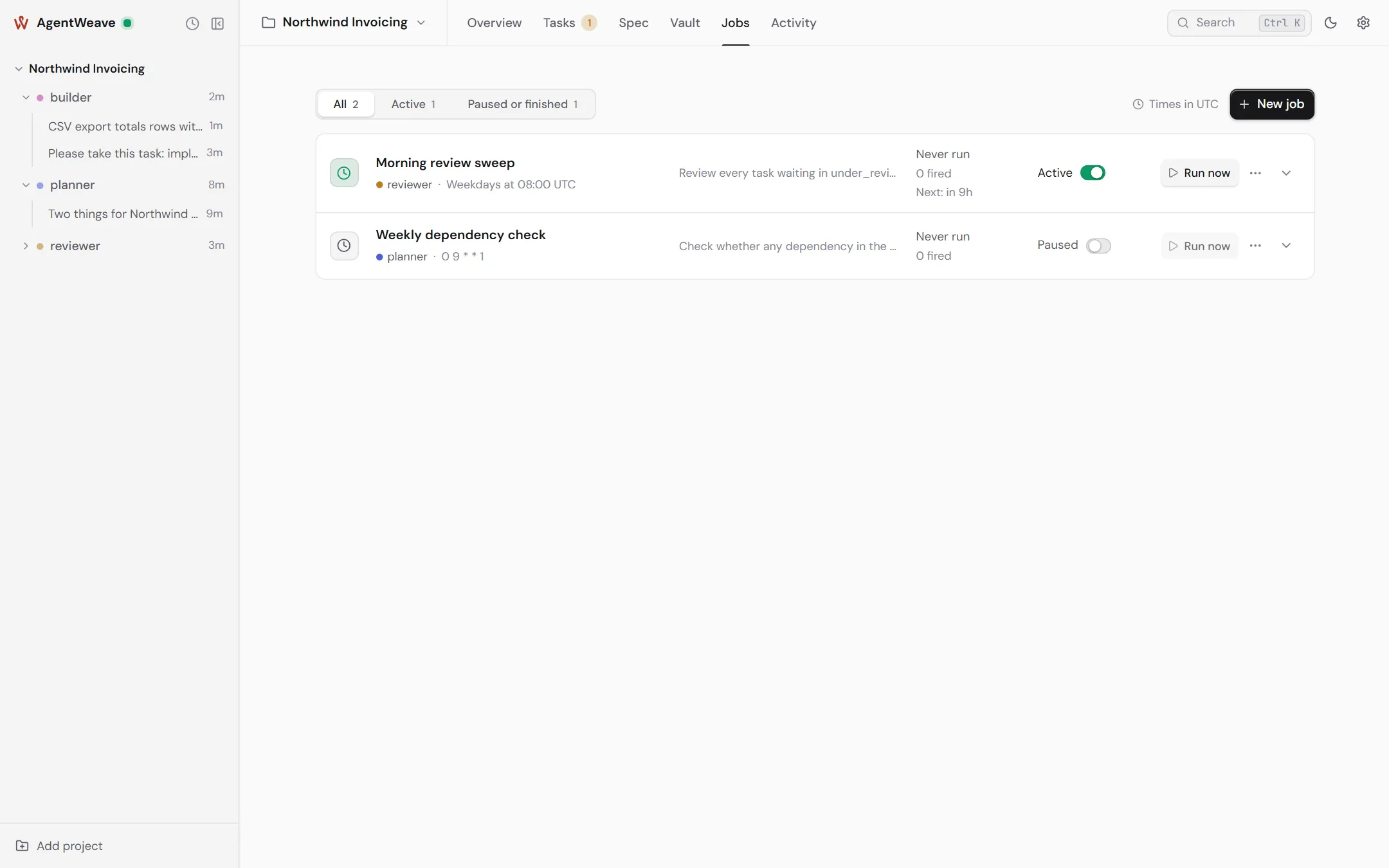
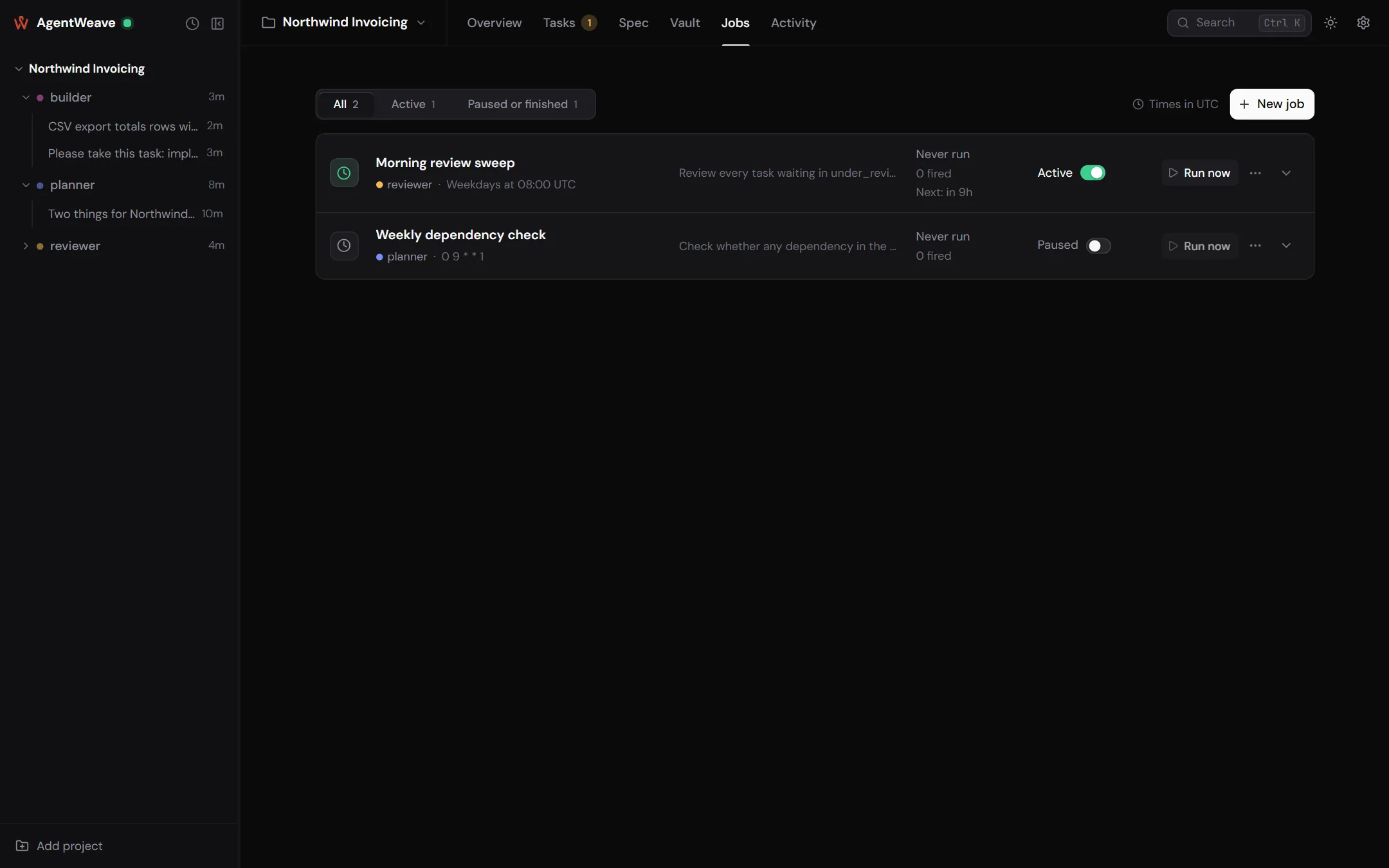
Jobs
New job on the Jobs tab asks for a name, the agent, the message, and a cron schedule (presets include Weekdays at 9am and Every 6 hours). Session mode chooses between a fresh session each run and resuming the last one. Times are UTC.
Each row shows the schedule in plain English, when it last ran and runs next, and the outcome of its recent runs. You can pause or resume it, Run now, or Archive it. Jobs are archived, not deleted, so the record of what ran survives.
Every firing opens a new conversation, marked with the job that started it.
Loops
Open Make this a loop in the job form and give it:
- a purpose, such as "Work through the export backlog until it is empty";
- a stop condition: a stop time, stop when the queue is empty, or both;
- optionally, Require accepted evidence before merging.
A loop's queue is the set of tasks assigned to it. Each firing claims the oldest task that can start, and briefs the agent with the purpose, that task, and the previous firing's checkpoint. A loop never resumes an old session. Every firing records truthfully what it did.
A loop ends as completed (its queue drained) or stopped (by you). Its tab, from the side panel's Loops launcher or the conversation's Fired by the loop link, shows:
- the purpose and the stop condition;
- the queue by status, and the item claimed right now;
- open questions, and the firing history;
- a live indicator while a firing runs.
Editing a running loop is safe. A change to its purpose, stop condition or agent is staged. The loop tab shows it beside the value still in force (In force now and From the next firing), and a firing already running keeps the brief it started with.
Who adds to the queue. After the first firing, new tasks join the queue only if you add them, unless you hand that decision to the loop's agent (Let … decide).
A loop that is still running cannot be archived. Stop it first.
Flows
A flow is how an approved specification gets built without you dispatching each task. Start one from the document's Start a flow… button, or have the specification name a flow as its delivery so that approving the document starts it. A flow has a name, a default agent, a message, a schedule (every five minutes by default) and a stop condition. Nothing runs when you press Start flow. The first firing is on the next tick.
On each firing the flow:
- picks the tasks that can start (prerequisites approved), possibly several at once, and the agents to do them;
- has each finished task reviewed by a different agent: the specification's named reviewer, or the first free agent that did not write it;
- carries on until every task is decided.
Reviews can run in tester mode, where the reviewer drives the built product and may amend the specification with what it finds.
Letting agents schedule work
By default only you create jobs, loops and flows. Turn on Agents may start jobs, flows and loops under Project settings → General to let agents create them with their tools. Archiving a job still needs your say-so.
Limits that keep scheduled work honest
- Hop budget (default 6). Agents messaging agents can chain. Input more than six hops deep is held for you to release or discard, instead of running away.
- Deliveries per turn (default 10). The most queued inputs one turn will take.
- Token budget (optional, Project settings → Budgets). When it is reached, autonomous turns pause. Your own messages still run.
- Provider allowance holds. When a provider refuses a turn because a plan's allowance is spent, the Hub holds that agent's queue until the stated reset, then retries by itself. The refused input goes back without counting as a failure, and a job firing shows as in progress, not failed.