Specifications
A specification document says what to build, precisely enough to check. In AgentWeave it is also where traceability starts: every requirement gets an identifier, every task names the requirements it serves, and every piece of evidence names the requirement it proves.
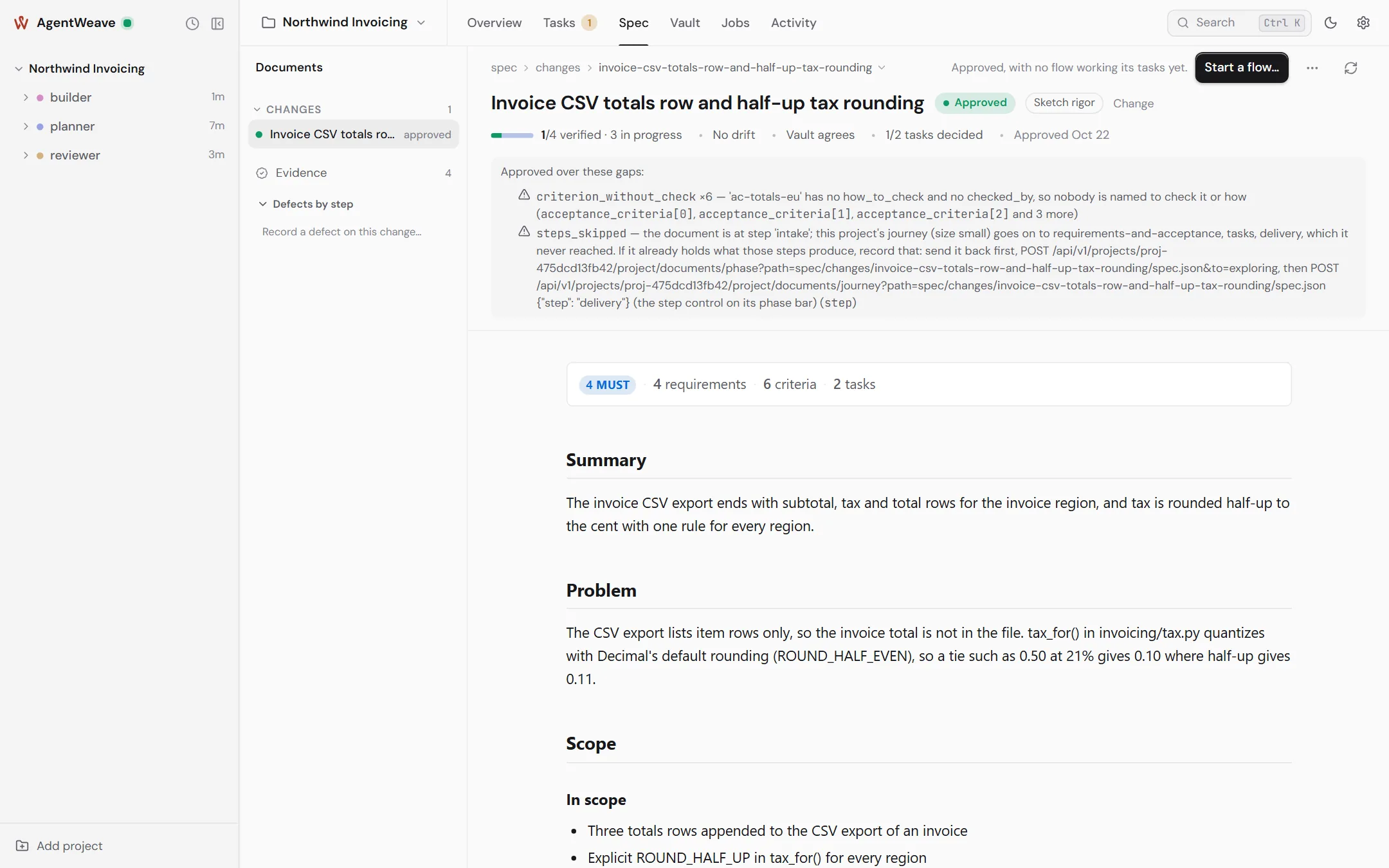
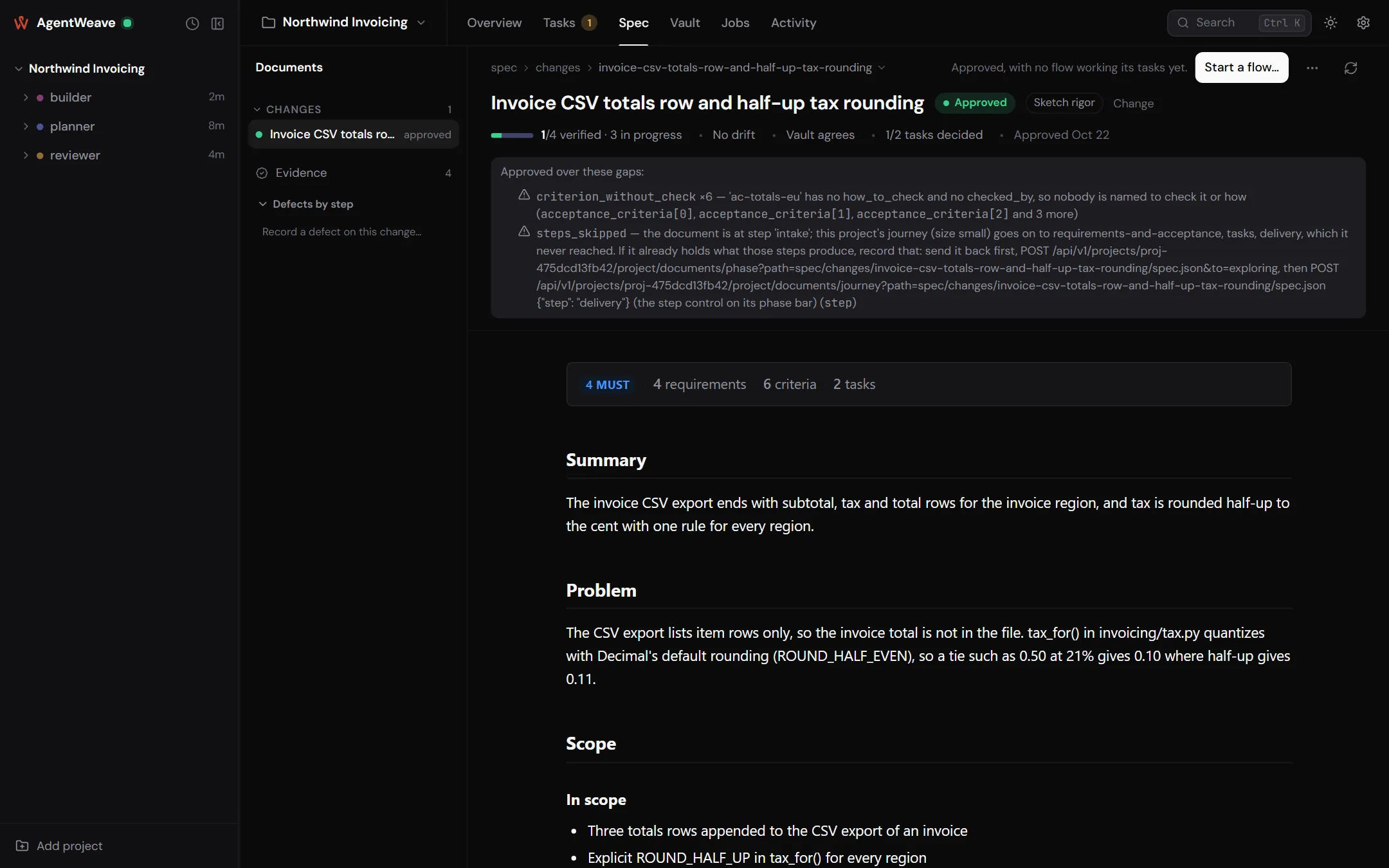
Kinds of document
| Kind | What it is | Who writes it |
|---|---|---|
| Change | A proposed change: summary, problem, scope and non-goals, requirements with scenarios, design notes, tasks, and how it will be delivered. | An agent or you |
| Roadmap | A large request split into ordered slices, each one a change of its own. | An agent or you |
| Capability | How one area of the product behaves today. Changes are folded into capabilities once they ship. | You (by folding) |
| System map | Orientation: the corpus's home page and area maps. | You |
Documents live in spec/ in your project as spec.json files: the structured content plus a small
hub block with phase and rigor. The Hub renders them for reading, so diffs stay clean. Commit
spec/ like any other source. See Project files.
Writing one with an agent
You never fill in a form. You describe the change in a conversation:
- In the composer, press Explore (or attach an existing document) and write your request.
- The agent creates the document and works through it with you. In this kind of turn the agent gets no file-edit tools: it writes the document through the Hub, which validates it, gives each requirement an identifier, and writes the file.
- Where something is genuinely undecided, the agent asks you with a question card, one question at a time, instead of guessing.
A change moves through a short journey of steps. Its length follows its size:
| Size | Steps |
|---|---|
| Fix | intake → tasks → delivery |
| Small | intake → requirements and acceptance → tasks → delivery |
| Large | intake → requirements → acceptance → approach → tasks → delivery |
A project can add its own steps under Project settings → General → Spec steps.
Requirements and scenarios
A requirement is one statement with a modal (MUST, SHALL, SHOULD or MAY), for example: "Tax MUST be
computed as the invoice subtotal multiplied by the region's rate and rounded to the cent with
ROUND_HALF_UP." The Hub mints its identifier (FR-2) and keeps it for life. Removed requirements
are retired, never reused.
Each requirement has one or more scenarios, written as Given / When / Then. A scenario can also say how to check it and who checks it (an agent or you).
Phases
stateDiagram-v2
    direction LR
    [*] --> exploring
    exploring --> approved : Approve
    approved --> exploring : Reopen for changes
    approved --> archived : Archive (after folding)
    archived --> [*]
The document's primary button follows its phase:
- Check (while it is written). Lists what still blocks approval, exactly as the agent's own save reports it, and moves nothing: the agent keeps writing while you look.
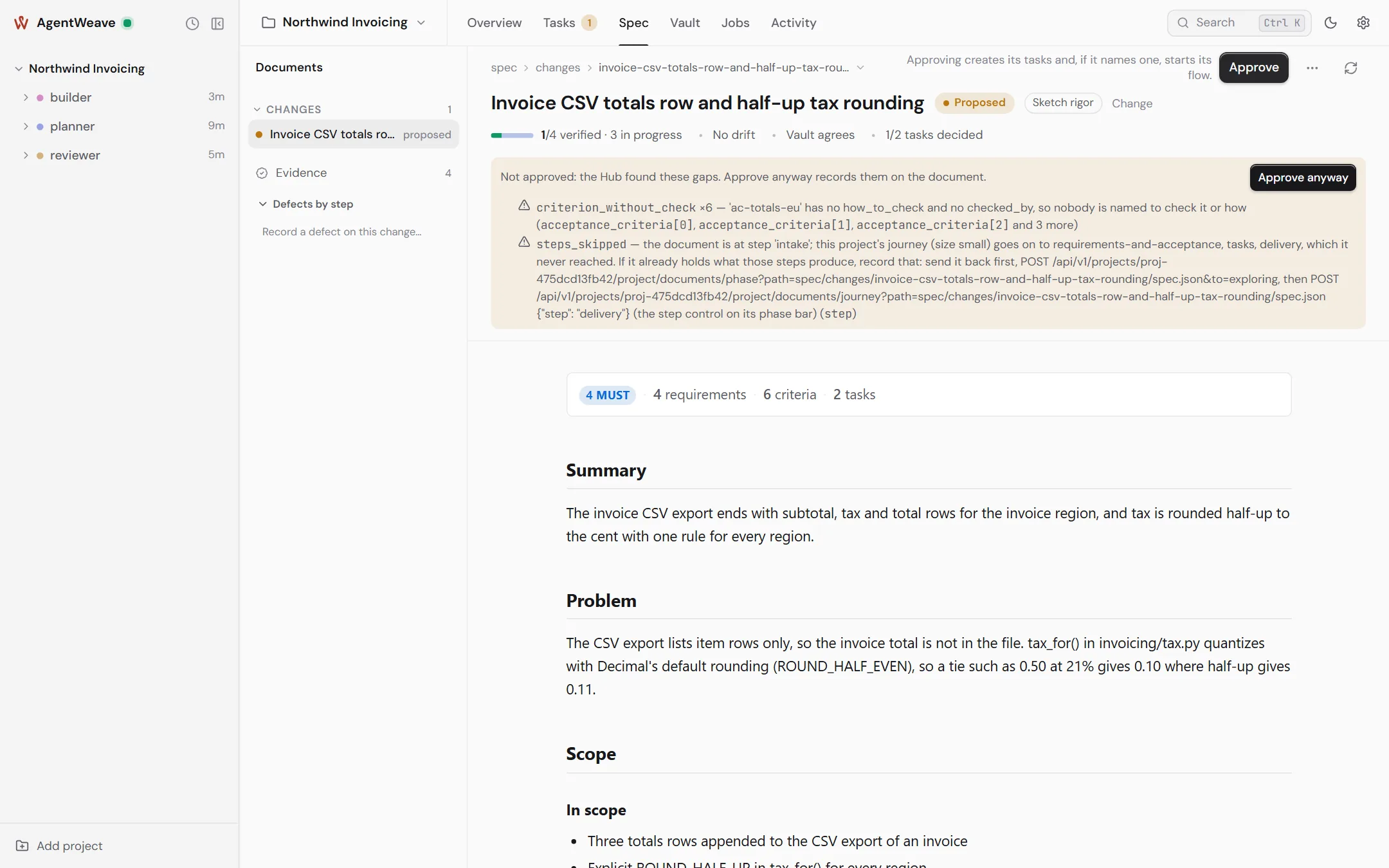
- Approve (from draft). Names the version you read, and is refused if the document changed since. Approval creates the document's tasks, unassigned, with their dependencies, acceptance criteria and requirement links, and starts nothing. If intake recorded the work as already built, approval offers to close the tasks as built at the commits it named.
- Build… (approved, no flow yet). Starts building it as the document recommends: the flow its recommended build describes, or the tasks left on the board. It opens with the recommendation and its reasons filled in. Approve and build… does both in one action.
- Start a flow… (in the menu, approved, no flow yet). Configure a flow by hand. See Jobs, loops and flows.
- Fold into capability… (approved, every task decided). Merge what shipped into the capability it changed.
Only you approve, archive or retire. An agent can write and revise a draft, but nothing an agent sends can move a document's phase.
Gaps are warnings, not walls
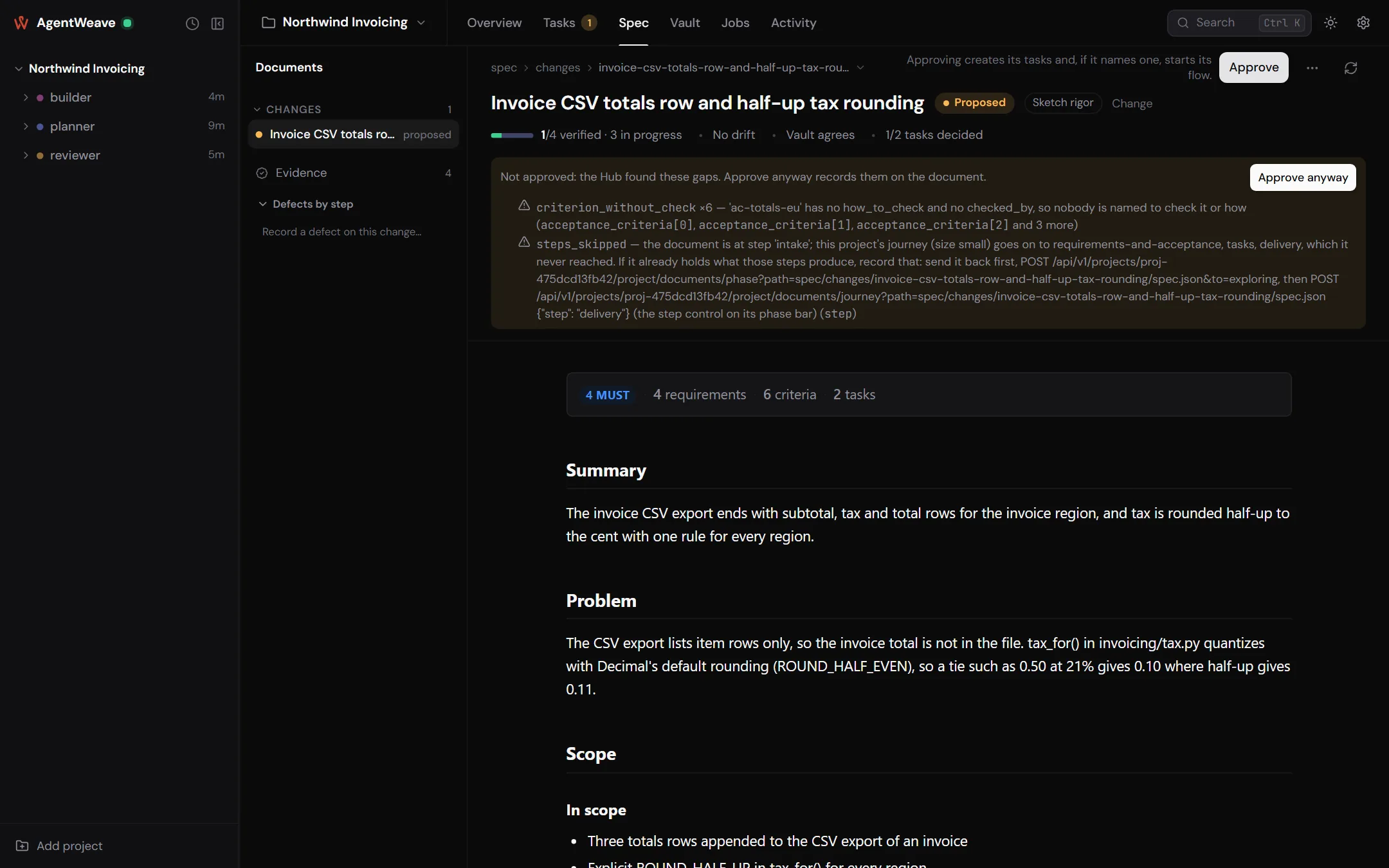
When you approve, the Hub lists what is missing: a MUST with no scenario, a scenario nobody is named to check, steps of the journey that were skipped, a requirement no task serves. You can fix them, or press Approve anyway. The gaps you overrode are recorded on the document and shown beside its phase. Approval is refused outright only for real contradictions, such as a dependency cycle or a task depending on something that does not exist.
Approving again after edits is safe. It refreshes the open tasks instead of duplicating them.
Rigor
Phase says whether you agreed. Rigor says what happens to work that does not satisfy it. Set it from the chip beside the phase:
| Rigor | Agent edits | Approving a task |
|---|---|---|
| Sketch (default) | Apply at once. | Not gated, except that evidence someone rejected always blocks. |
| Contract | Arrive as proposals you accept or reject, one per requirement changed. | Unverified requirements are reported, not blocking. |
| Gate | Proposals, as above. | Refused while any requirement the task serves is not verified. |
Raising rigor needs well-formed requirements. Lowering it needs a reason, and keeps every link and piece of evidence. Every change is in the document's rigor history.
Coverage
The health line under the title says where the document stands, for example 1/4 verified · 3 in progress · No drift · Vault agrees · 1/2 tasks decided. Open any part of it for detail. Each requirement is in exactly one coverage state:
| State | Meaning |
|---|---|
| Verified | Accepted evidence for the current wording. |
| Awaiting review | Evidence recorded, not yet decided. |
| In progress / Not started | A task serves it, and has or has not started. |
| No work linked | Nothing serves it yet. |
| Rejected | Its evidence was rejected. |
| Stale | Evidence exists only for an older wording. |
| Drifting | Files its accepted evidence was about have changed since. |
| Amendment not reviewed | A tester changed its scenario, and you have not reviewed the change. |
Coverage also says whether verified work is integrated, meaning merged into your main branch. Work verified on a branch is never mistaken for work that shipped. There is deliberately no percentage.
Each requirement opens to its story: every wording it has had (as word diffs), who changed it, and the evidence and tasks behind each version.
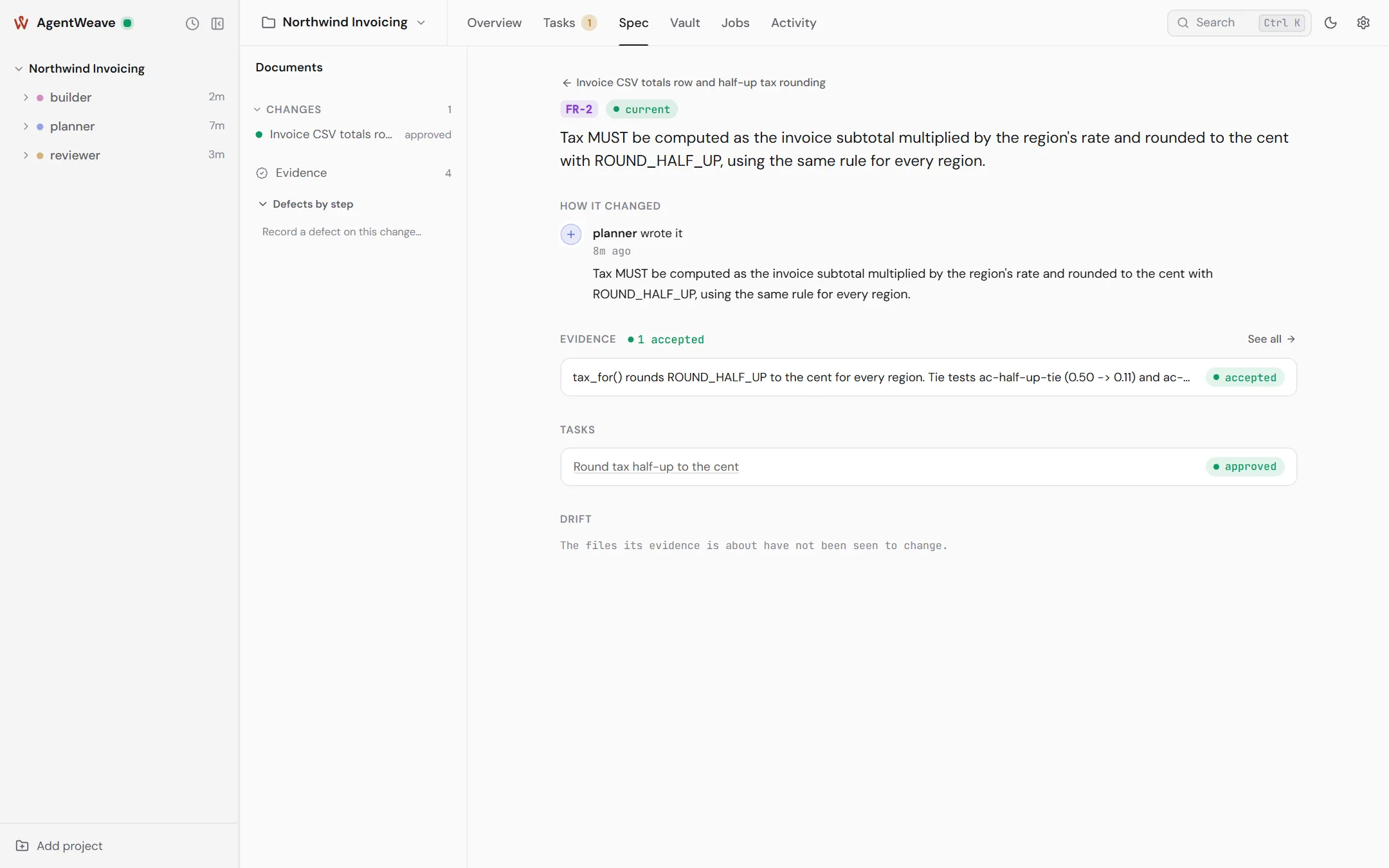
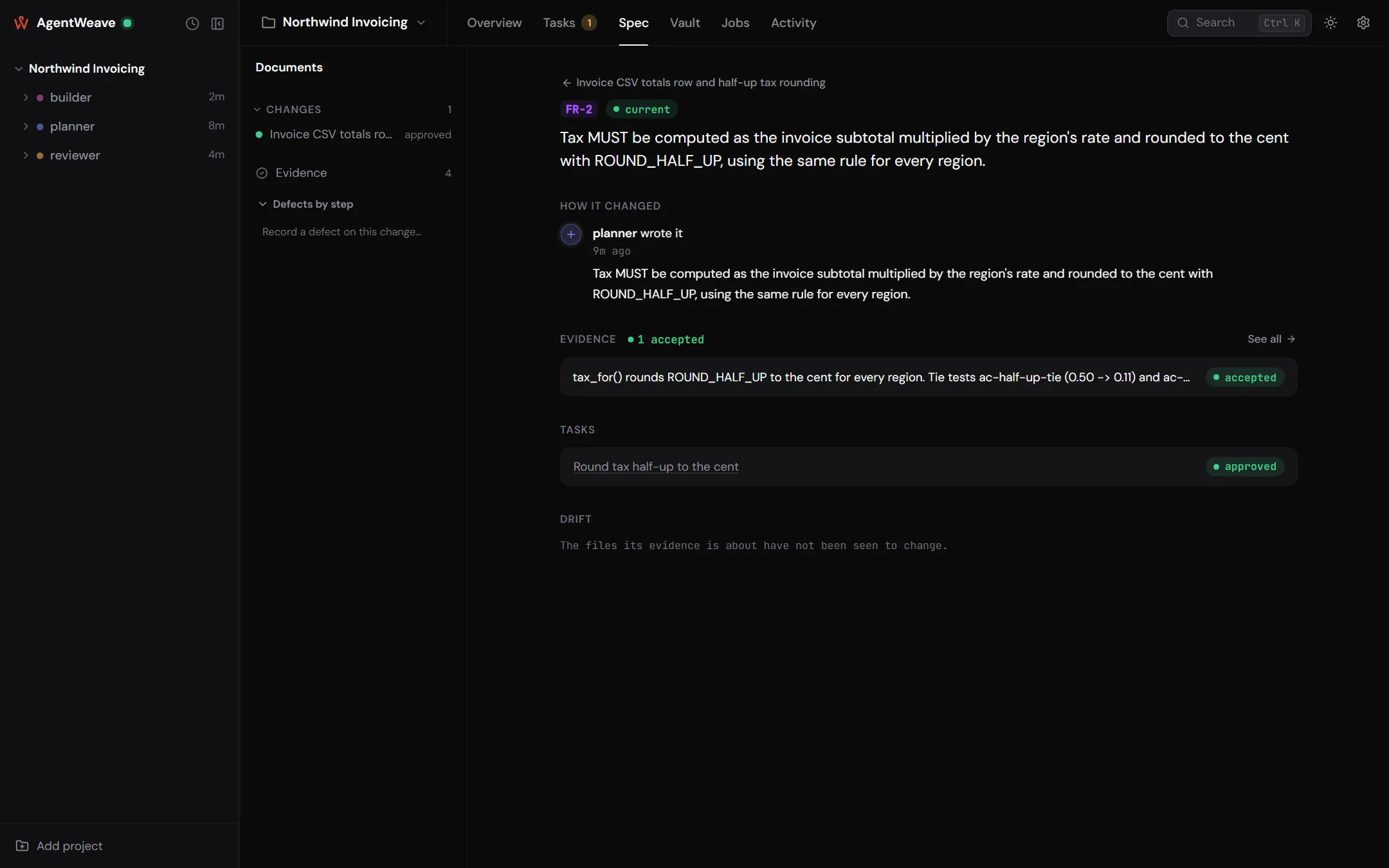
Drift
Accepted evidence watches the files it was about. If those files change later, Scan for drift raises a candidate, and you decide what it means: Spec updated, Code corrected, or No change. The Hub never resolves drift by itself.
Testers amend, you review
A tester run (a review turn told to drive the built product) can amend an approved document with what testing found: add a task, add or change a scenario. Amendments take effect at once, so the work can continue, but each one reads not reviewed until you mark it reviewed. Until then, the requirement it touches cannot verify. A tester can also report that a criterion cannot be satisfied as written. You answer with Amend criterion…, Accept and unblock, or Reject…. A builder can never amend.
Folding into capabilities
When a change's tasks are all decided, Fold into capability… merges its requirements into the capability document it changed. You can edit the keys and statements, and replace or retire what the change superseded. Archiving a change requires either a fold, or an explicit "no capability change" with a reason, so current behaviour never silently falls behind what shipped.
Roadmaps
For work too large for one change, write a roadmap: ordered slices, each with its own change document. When you approve a slice, Draft the next slice asks the slice's author to draft the next one as soon as this one's tasks have closed.