Tasks and review
A task is one unit of work. Most tasks are created by approving a specification, and some are made by hand or by an agent. A task records who did the work, what proves it, and who approved it. Approving it merges it.
The board
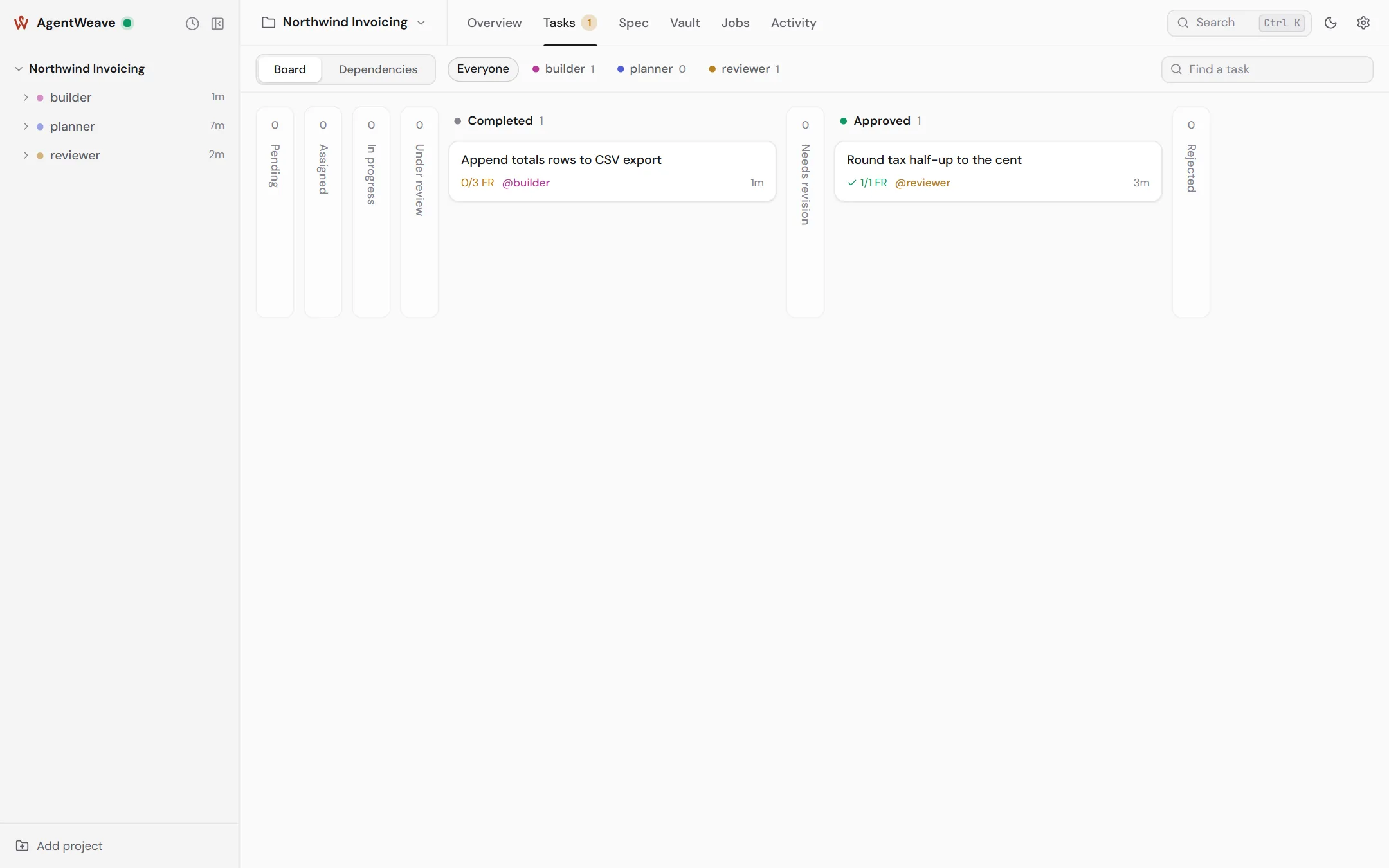
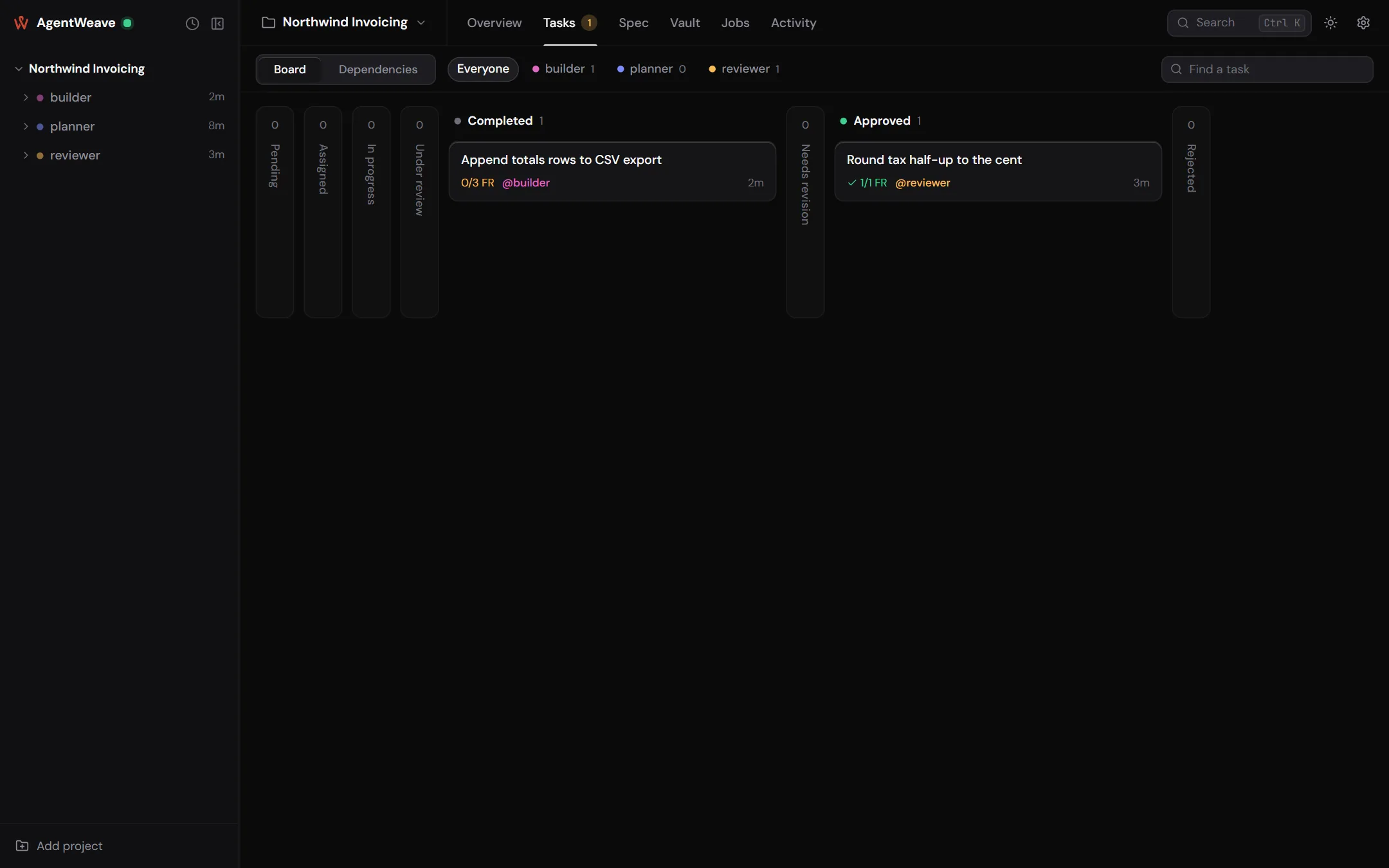
The Tasks tab has a Board and a Dependencies view, a filter by agent, and a search box. The board's columns follow the task lifecycle: Pending, Assigned, In progress, Under review, Completed, Needs revision, Approved, Rejected. Empty columns fold away.
Each card shows how many of its requirements are verified (1/1 FR), its assignee, priority and
age, and a one-line status when something needs saying: Waiting on you, Waits on …, Sent back
for changes, Merge failed.
You move a task by dragging it (or with Ctrl+Left / Ctrl+Right), or with Change status in its dialog. Only moves the lifecycle allows are accepted. There are no separate approve and reject buttons: Move to approved is the approval.
Dependencies
A task can depend on others. Dependencies are declared in the specification that created the task, or added by hand. A task cannot start until every prerequisite is approved. Completed is not enough, because completed work has not been reviewed. Cycles are refused.
The Dependencies view groups tasks by document and shows each chain: Starts the chain, Waits on …, After ….
Starting work
Hover over a card and choose Start agent on this, or ask an agent in a conversation to take a task. The run is bound to the task:
- the task moves to in progress, and takes that agent as assignee if it had none;
- in a git project the agent works in the task's own worktree,
.agentweave/tasks/<task-id>, on branchagentweave/task/<task-id>, cut from your main branch with its approved prerequisites already merged in; - an agent cannot claim another agent's assigned task, and a run can complete only the task it holds.
If a bound run ends without moving its task, that is recorded as a divergence. The task's setting If a run ends without moving this decides what happens next: Tell me, Try again once, or Hand to another agent.
Evidence
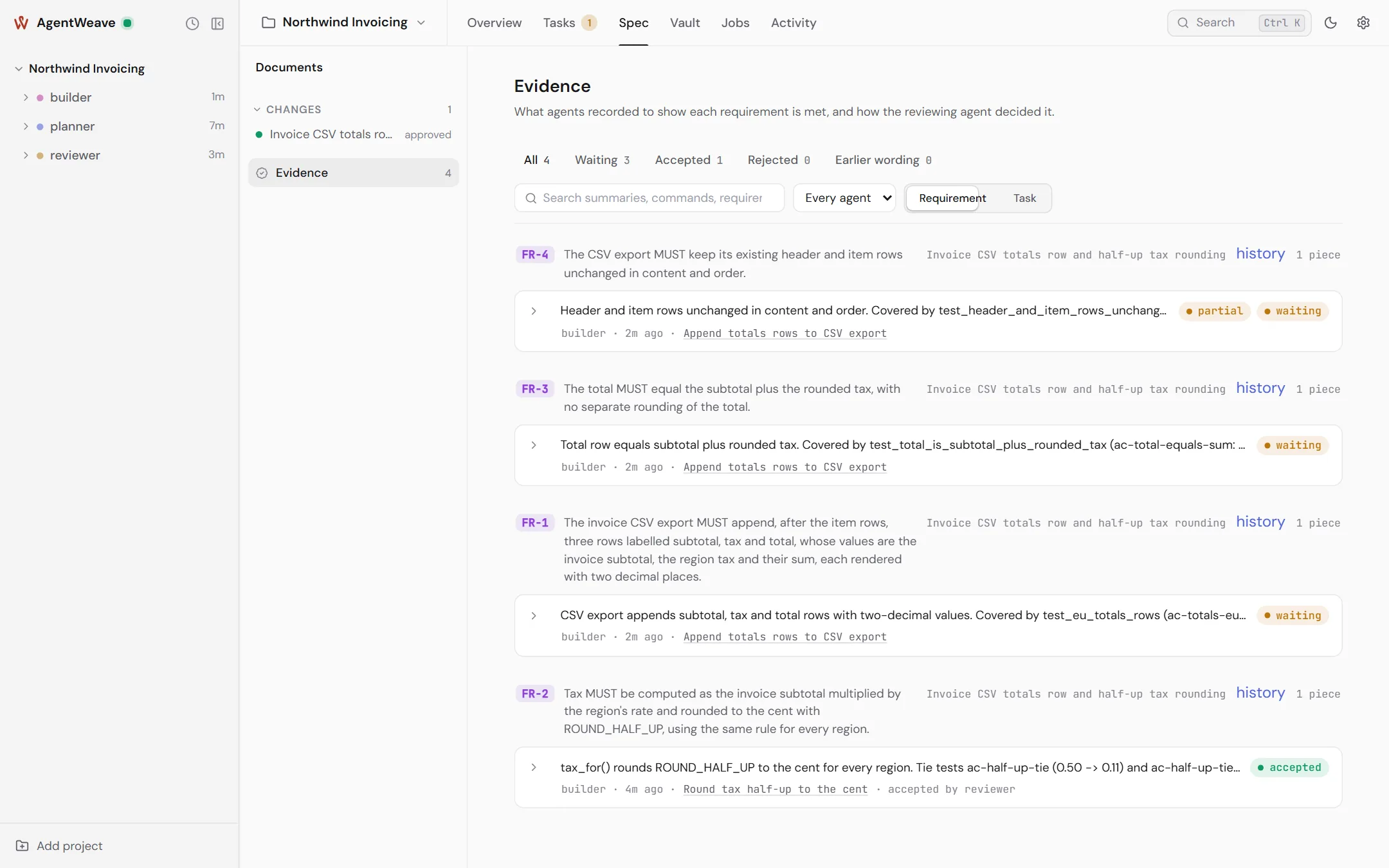
Before an agent asks for review, it records evidence against the requirement: what it ran, the output, and the commit it ran against. The Hub also records which files the evidence is about, as of that commit. That footprint is what approval later merges, and what drift watches.
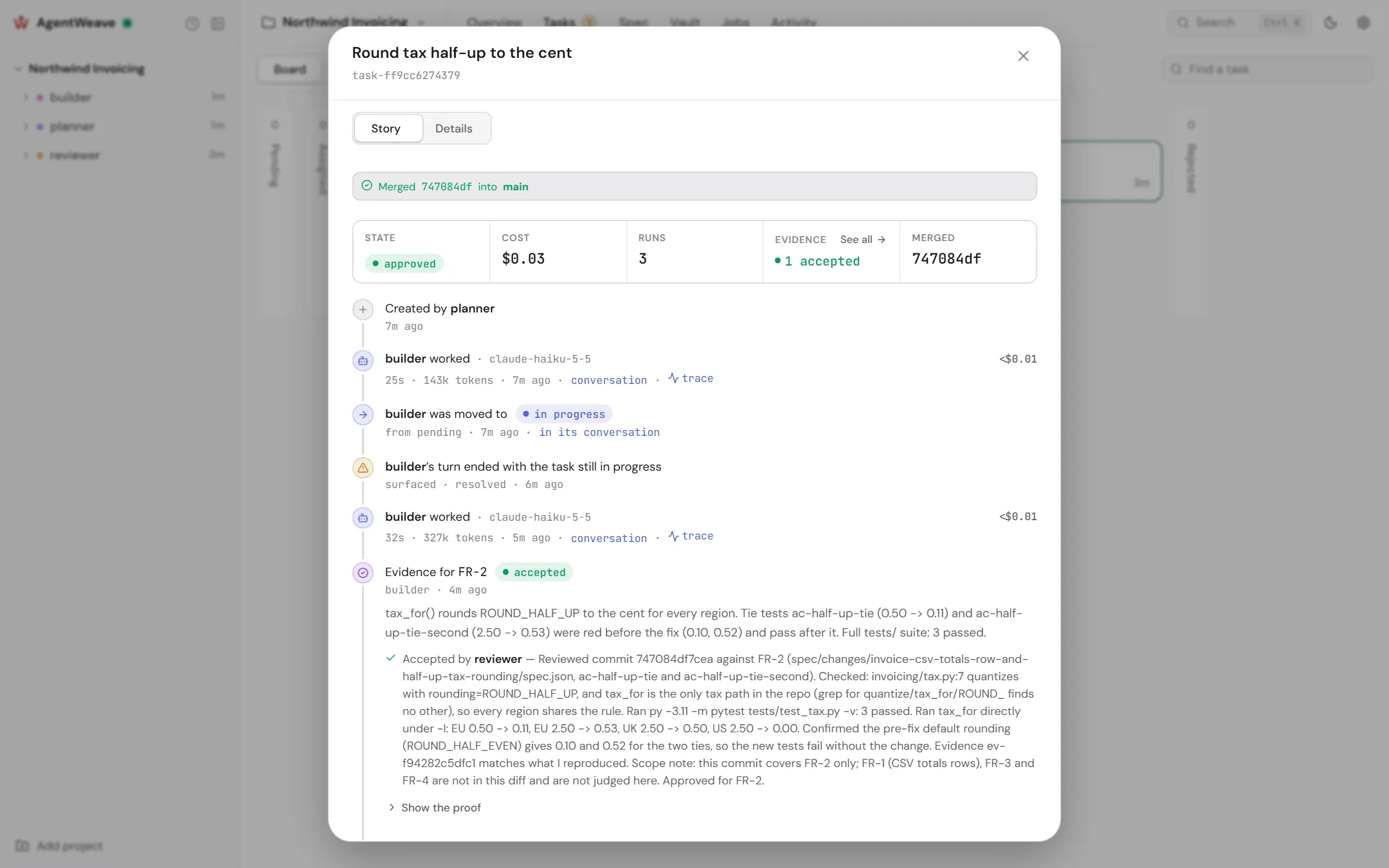
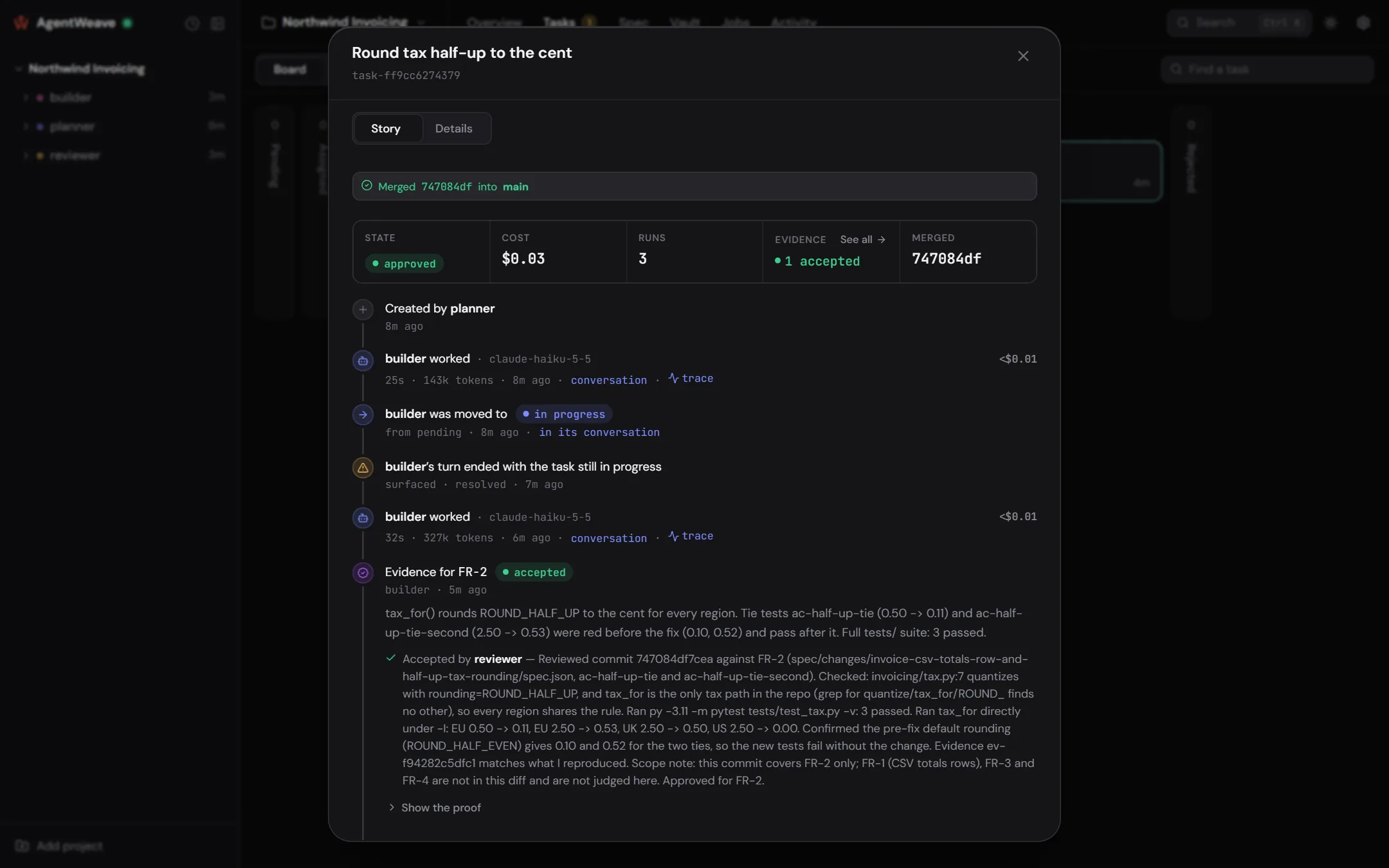
Evidence starts awaiting review. It is decided by you, or by an agent you have granted Accept or reject evidence, never by the agent that recorded it. The reviewer's verdict on the task decides it: approving accepts the evidence, sending the task back rejects it. Only you can overturn a decision, and you must give a reason.
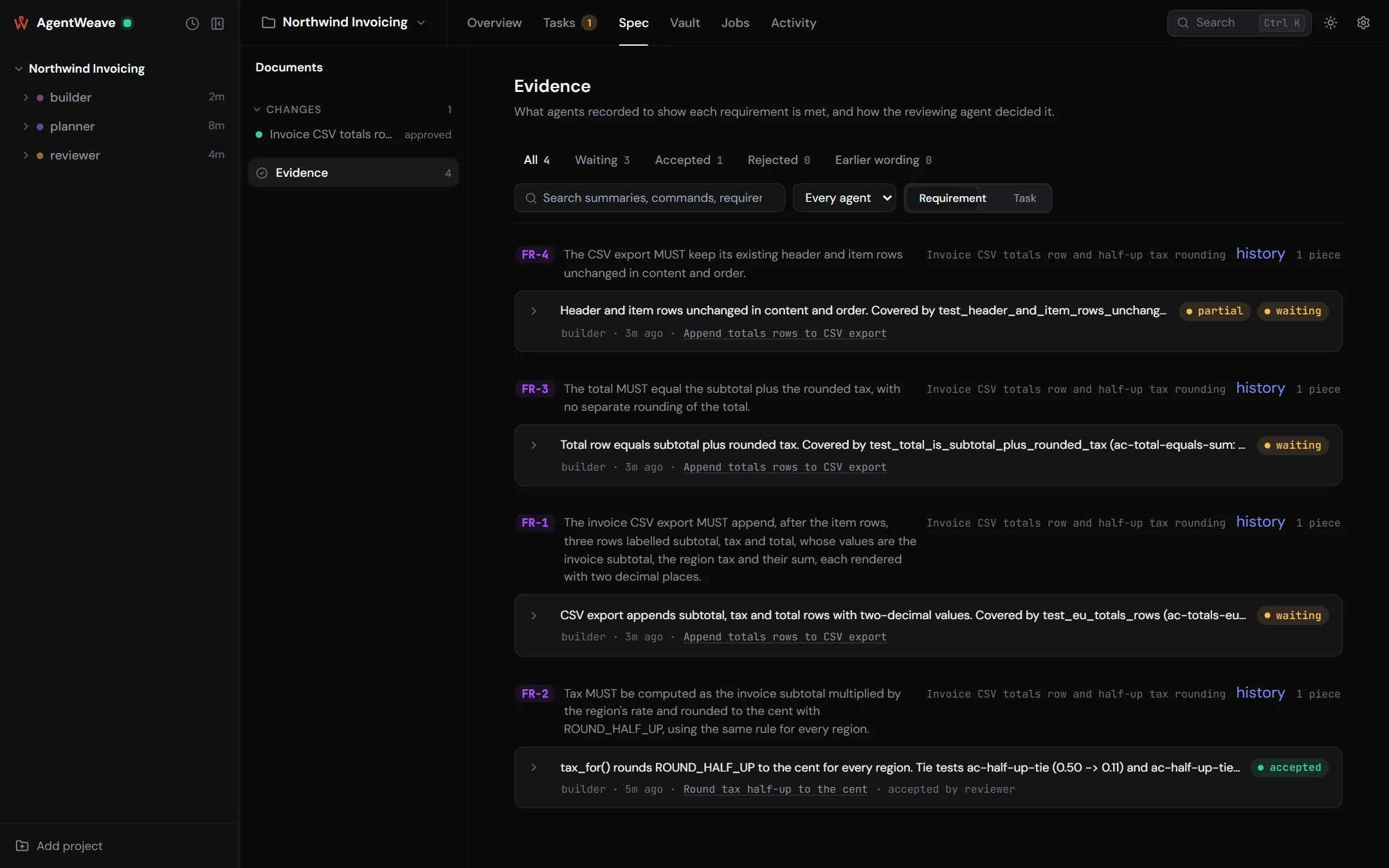
The Evidence view on the Spec tab lists every piece in the project, filterable by state and agent, and each one opens to its proof: command, output, commit and diff.
Checks
Under Project settings → General → Integration → Checks you can list commands, such as your test suite or linters, with a time limit each. When configured, they run in the background, in a scratch worktree holding exactly what approval would produce: your main branch plus the task's work. They run when a task completes and again before approval if the last result is stale. A task's Checks row shows the result, with Re-run.
With checks configured, approval is refused until they pass. You can override a failure with a reason, which is recorded on the approval. Agents cannot override. A check that fails on main too is marked as pre-existing, and comes to you rather than back to the author.
Review
A finished task is reviewed by someone who did not write it:
- An agent reviewer. Ask a reviewer agent to review the task. A review turn gets a clean, detached checkout of exactly the commit the evidence names. It runs what it needs, decides the evidence, and moves the task to approved or revision needed, with its reasons.
- You. Open the task. Its Story shows the runs, the evidence and the checks. Move it to approved, or send it back. Land it takes a completed task through review and approval in one step.
An agent cannot approve, reject or send back work it produced, including work it recorded evidence for. A task cannot enter review while it is still assigned to its author.
Approval merges
Moving a task to approved merges its work into your main branch, locally, in the same operation. What merges is the commits named by its accepted evidence (or, if no evidence governs the task, the tip of its branch). Nothing is pushed, and no remote or credential is involved.
Before you approve, the task dialog tells you exactly what will happen: "Approving writes to your repository: it merges 747084d from agentweave/task/… into main", or why it will not.
Approval is refused, with the reason, when:
- the merge would conflict (the refusal names the files; nothing in your checkout is touched);
- a run on the task is still live;
- evidence that would merge is still awaiting review;
- an approved prerequisite's work is not in the task's branch;
- configured checks have not passed;
- at gate rigor, a requirement it serves is not verified.
Approval succeeds but records the merge as skipped when the project has no main branch, the checkout has uncommitted changes to tracked files, or the checkout is on another branch. A skipped merge shows Not merged on the card, with Retry, and the Overview lists it under Needs you.
When a task is approved or rejected, its worktree is released and its branch is kept.
Worktrees and conflicts
Project settings → Worktrees lists every agent and task checkout, and any conflicts between
them and your main branch, without touching any of them. Agent checkouts live at
.agentweave/worktrees/<agent>, task checkouts at .agentweave/tasks/<task-id>, and review
checkouts at .agentweave/reviews/<agent>. The Hub keeps all of them out of git status through
.git/info/exclude, so it never edits your .gitignore.
In a project that is not a git repository, agents share the project directory, nothing is merged, and every agent's context says so.