Conversations
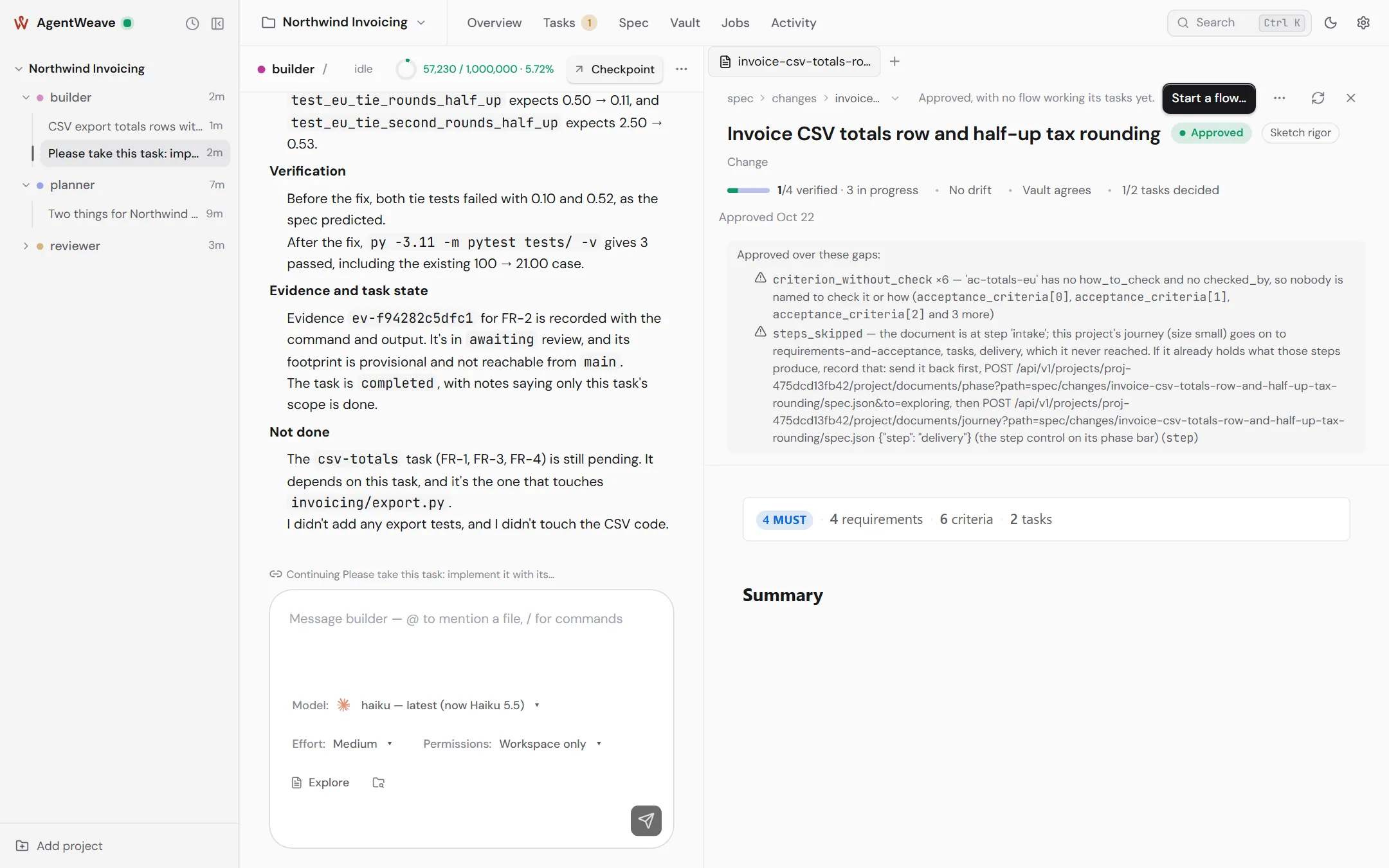
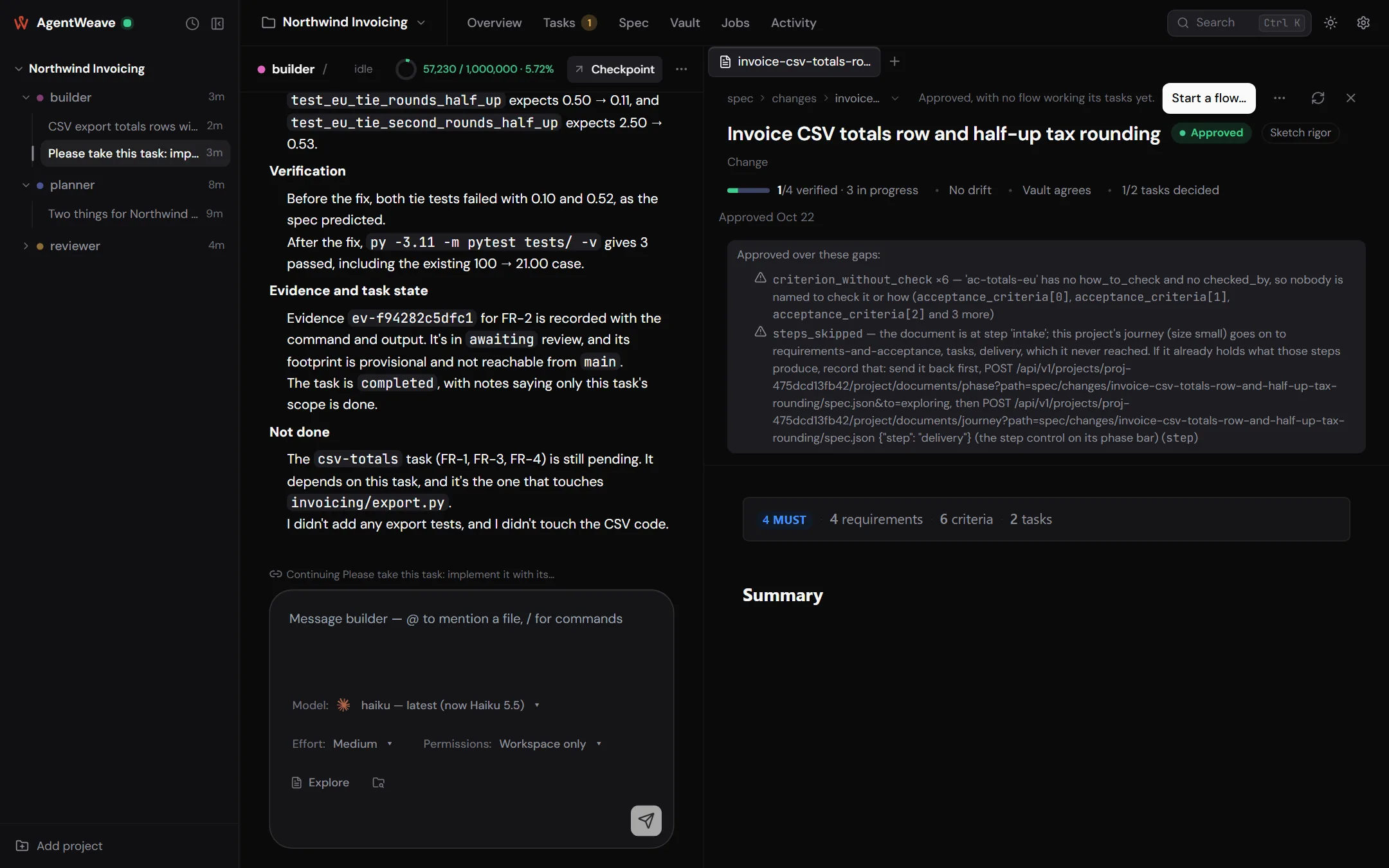
You work with an agent in a conversation. Each message you send starts a turn (a run). The Hub launches the agent's CLI, streams everything it does into the timeline, and records how the turn ended and what it cost.
Starting one
Use New conversation on an agent's row, or simply open the agent and type. Nothing is created until you send the first message. The new-conversation screen offers starters: Pick up the next task, Catch up on today, Review the latest work.
A conversation can also be started by another agent sending a message, by a scheduled job, or by a loop firing. Its row in the rail says which.
The composer
The composer sends your message to this conversation's agent. There is no recipient picker. Under the text box, each turn can be set to:
- Model. Any model the runner's CLI offers, searchable, with favourites. A runner that fixes its model shows it read-only.
- Effort. The reasoning effort the provider supports, such as low, medium or high.
- Permissions. The posture for this turn: Workspace only, Edit files, Ask me or Full access. At rest it shows the agent's default.
- Spec. Explore starts a new specification document with your first message. The folder button attaches an existing one. See Specifications.
Type @ to mention a file and / for commands. If the agent is busy in another conversation, your
message queues and is delivered when it is free. You can withdraw a queued message before it is
delivered.
The timeline
Each turn shows the agent's prose, its reasoning, and a card for every tool call it made: reads, edits (as diffs), shell commands, searches. A turn that did not end normally says so: Turn failed, Turn stopped or Turn interrupted. That label comes from what the Hub recorded, not from what the agent wrote. Each turn has a trace button that opens a waterfall of the turn: model calls, tools, permission waits and questions. See Traceability.
Stop in the conversation bar ends a running turn.
Questions from agents
An agent that needs a decision calls ask_user. A question card appears above the composer, with
options to pick (1–9) or room to write your own answer. The agent's turn waits for you, up
to its question timeout. Questions also appear on the project's Overview under Needs you.
If you answer after the turn has already ended, your answer is delivered as a new message, and the card tells you so.
No guessing on either side
An agent that does not call ask_user has simply finished its turn. AgentWeave does not read an
agent's closing prose to decide whether it "sounded like" a question. If you want an agent to
stop and ask, say so in its charter or your instructions.
Permission requests
Under Ask me, or when a call falls outside what Workspace only or Edit files allows, the agent's request comes to you as a card: a command, a file read, a file change, a tool call, or a change to a runner's own configuration. Choose Allow or Deny. A card that times out is a refusal, and the agent moves on.
The side panel
A conversation can open a panel beside it, one tab at a time. Its launchers are:
- Specs. Browse specification documents. Opening one gives it a tab.
- Files. The project's workspace tree. A file tab has Insert into composer, which adds an
@pathmention. - Loops. Every loop in the project. Opening one gives it its own tab.
Open tabs are remembered per project. An open specification document stays open as you move between agents and conversations.
Context and checkpoints
The bar above the timeline shows how full this conversation's context window is, for example
57,230 / 1,000,000 · 5.72%. It turns amber at 70% and red at 90%. The numbers come from what the
provider reports. If the provider reports nothing, the meter says unavailable rather than
guessing.
A long conversation degrades. Rather than let one thread grow until it does, take a checkpoint:
- Checkpoint in the conversation bar writes a record of where the work stands. The Hub fills in the facts it holds itself: files changed, tasks, open questions, decisions. A worker model writes the judgement part: objective, state, next actions, risks.
- When it is ready, Cut over opens a successor conversation titled Continued: …, hands it the checkpoint, and archives this one. A conversation can be handed over only once.
Projects can set checkpointing to Offer me one (the default, a banner at the threshold), Automatic, or Off, under Project settings → General → Checkpointing. An agent can override that in its own settings.
Binding a conversation to a task
Starting an agent on a task (from the task card's Start … on this) binds the run to that task. The conversation shows Every turn here counts towards task …, the task moves to in progress, and the agent works in the task's own worktree. Work on something else releases the binding.
Archiving
Archive conversation in the More menu (with Undo) moves a conversation out of the rail. It stays readable under Show archived. Nothing in AgentWeave's history is deleted by archiving.